Browser Plugins
Integrate Majestic with Firefox and Chrome using our Backlink Analyzer plugin.
For basic Majestic metrics, the extensions are free and an account with Majestic is not required.
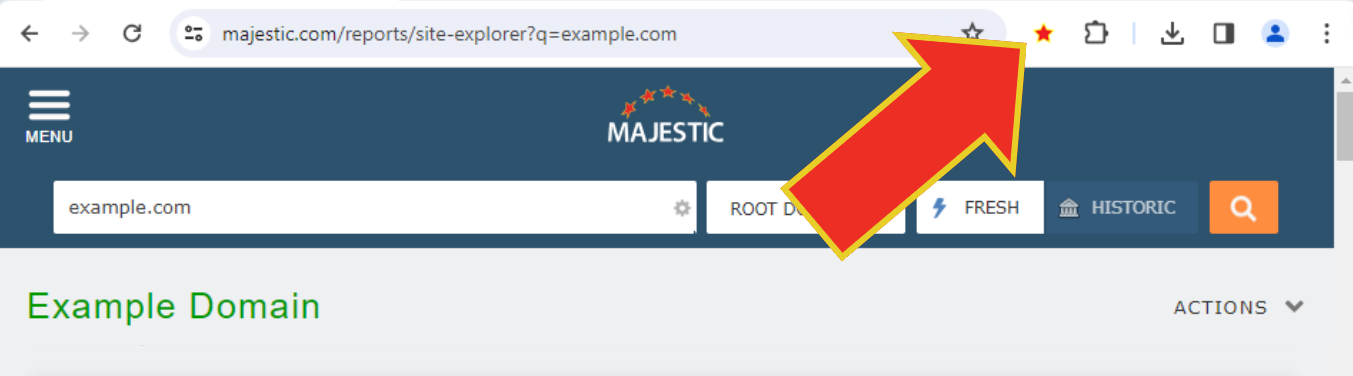
Where to find the plugin in your browser:
You will usually find the icon on the top-right of your browser. If you have an earlier version of Firefox, it may appear bottom-right.
Free Features
For any web page displayed in the browser, the plugin shows:
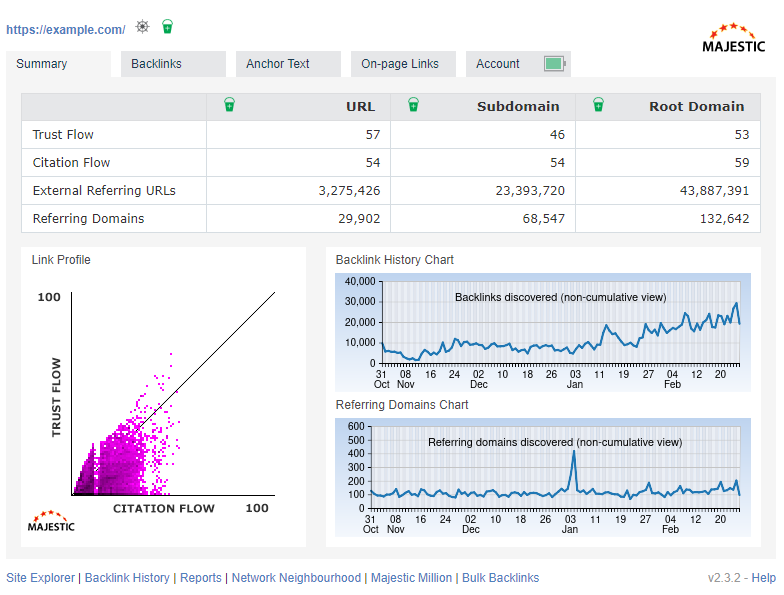
- The number of links to the web page.
- The number of links to the domain (and subdomain).
- The number of domains that link to the web page.
- The number of domains that link to the domain (and subdomain) which hosts the web page.
- How strong the links are at all these levels (Citation Flow) as a score from 0-100.
- How trustworthy the links are at all these levels (Trust Flow) as a score from 0-100.
- A link profile chart, which is a graphical representation of the citation flow and trust flow of all these links.
- Timeline charts of how this page acquired links over time.
How to Authorise - Free
If you do not have a Majestic subscription, we have added a reCaptcha which will reward you with free access to our key metrics.
The reCaptcha authentication doesn’t last forever, and if you’re a heavy user of the free service, you may have to authenticate more than once in a session.
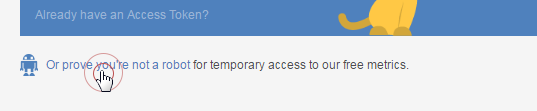
To start the free auth process, choose "Or prove you're not a robot" from the footer.
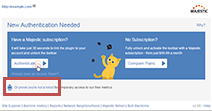
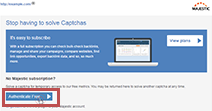
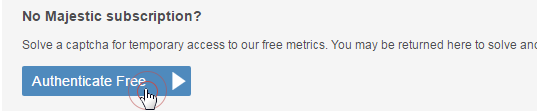
Then choose the "Authenticate Free" button.
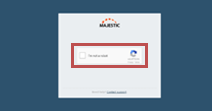
Finally, solve the reCaptcha for temporary access to our summary page of key metrics.

We have also beefed up our monitoring and reporting on the plugin data stream, so the heaviest of users may find themselves locked out of the toolbar for a period. If you are using our data so often that you trigger this generous limit, please consider a paid account to support the work our team does to bring these stats and industry-standard metrics to you.
Subscriber Features
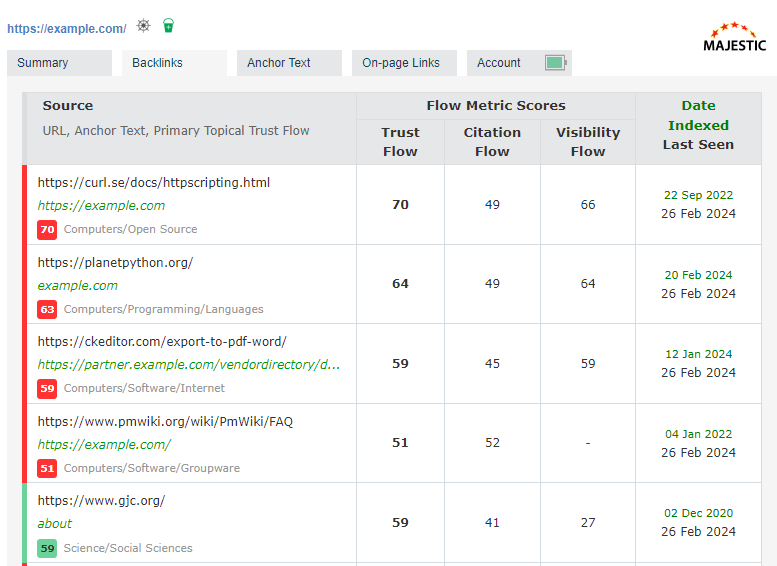
- Top incoming backlinks for each URL
- Automatic removal of deleted backlinks
- Filters, showing you just the top backlink from top referring domains
- Topical Trust Flow and key Majestic backlinks for every backlink
- Aggregated top Anchor Text for each URL
- Topical Trust Flow for Anchor Text - find out the topic of each phrase or keyword
- Export every URL you see to your Majestic bucket
- Jump straight to Site Explorer for any backlink
How to Authorise - Subscribers
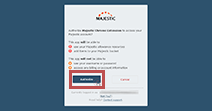
In order to use the Backlinks and Anchor Text tab, you need to have a paid Majestic Subscription. If you have a subscription you can get an access token to use these tabs. To get an access token click on the "Authenticate" button in the browser plugin.
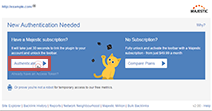
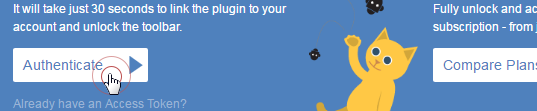
Now you need to link the plugin to your Majestic account. Log in with your usual email address and password.

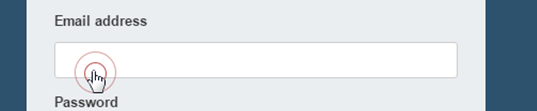
Once you have logged in, you're just one button click away from linking the plugin to your account. Press the final "Authorize" button to complete.